
BENTO Scene
A live model of your own site.
A real farm or factory cannot be sped up, and nobody can press a button to make a pump stick just to see what happens. In BENTO Scene you can do both. It simulates a whole site on your computer, and your applications and boards talk to it as they would to the real one.
Coming soon BENTO Scene runs on macOS. The public release is coming soon.
What it is
Every piece of the site moves in its own time.
Open a system and you see it as an angled drawing: tanks fill and empty, pumps run, a value card sits on every device. Go from the whole site down to a zone and then to a single device. Speed time up when you want to see a day in a minute.
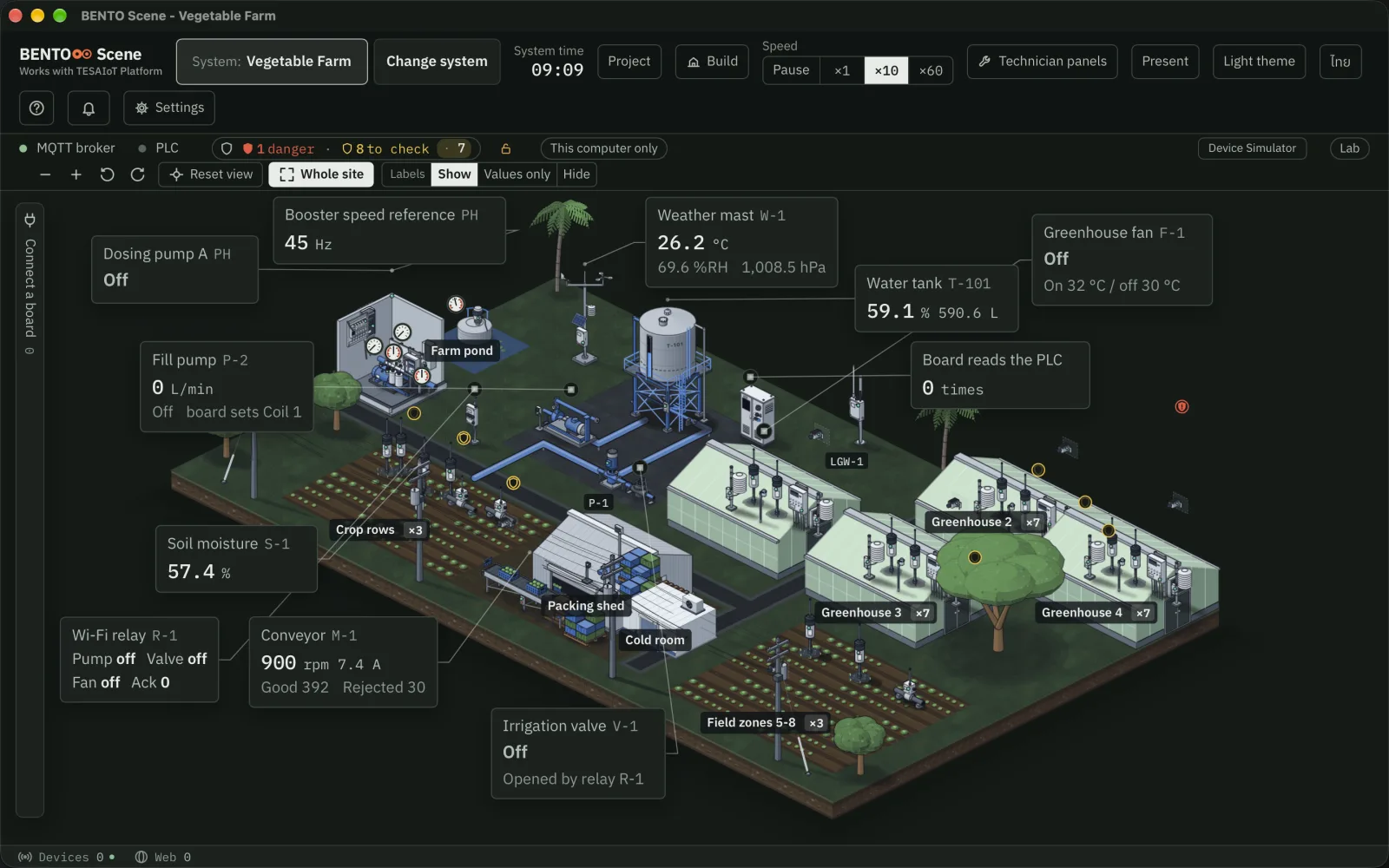
Systems to start from, from a home water tank to a farm, a bottling line, a hotel floor, a ward and an EV charging site.
Values arrive over MQTT, and larger systems have a PLC that speaks Modbus TCP.
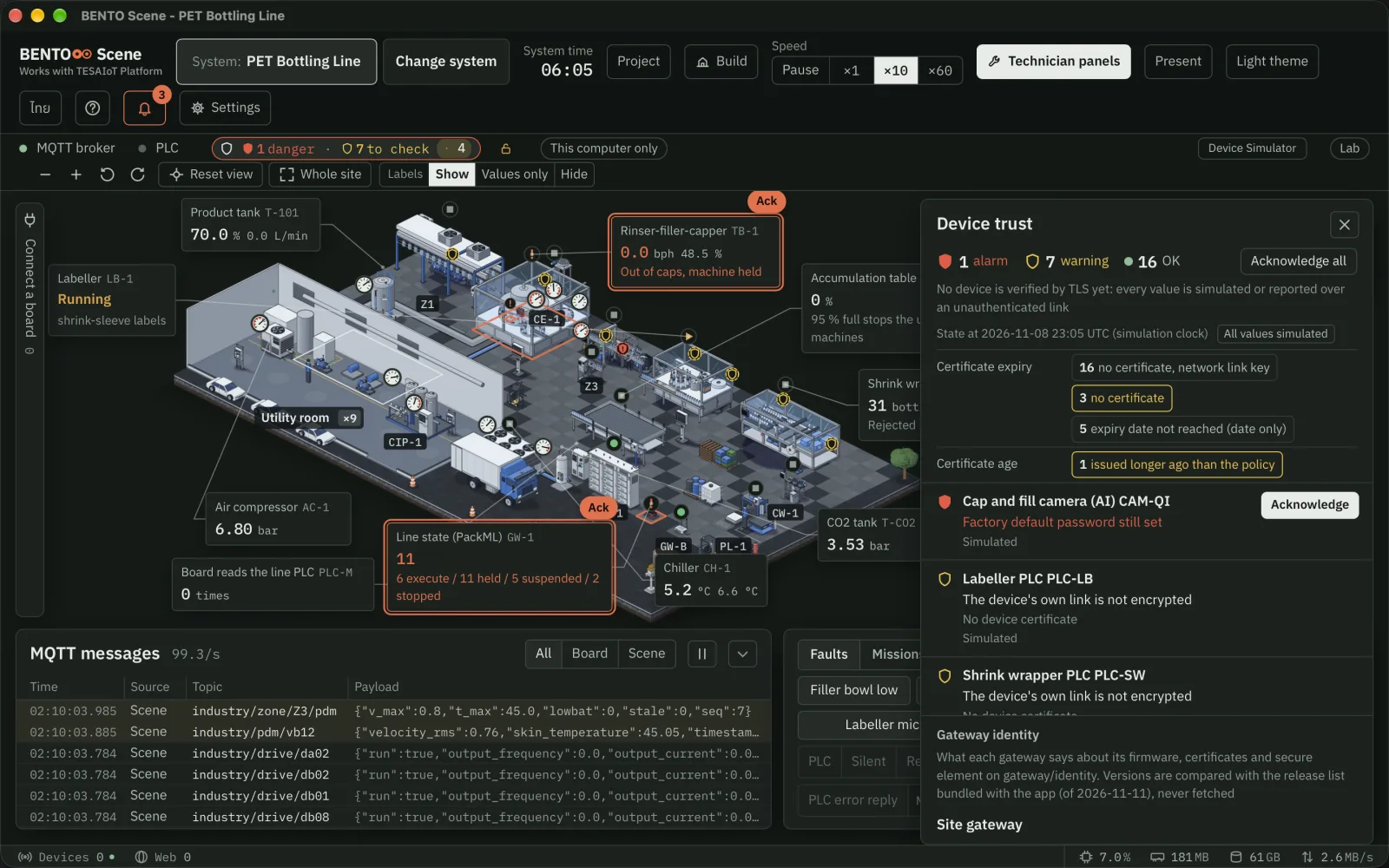
Every device shows whether its identity is verified, whether its certificate is about to expire and whether its firmware is old.
Your own Scene
Make a Scene of the place you work in.
You do not edit a starter system to get your own. You create a new project and build it piece by piece, then save it as one file you can hand to the developers who will build the real thing.
New project
Choose an empty Scene, the industry and the size, and give it a name.
Place parts
Pumps, tanks, fridges, doors, meters and cameras from the parts library.
Bind live data
Give each value an MQTT topic or a Modbus register.
Connect a board
Point an application in the Emulator at it first, then a real board.
The finished Scene is saved as a .bentoscene file and can be exported for developers.
Connect
Your application talks to it as it would to the real site.
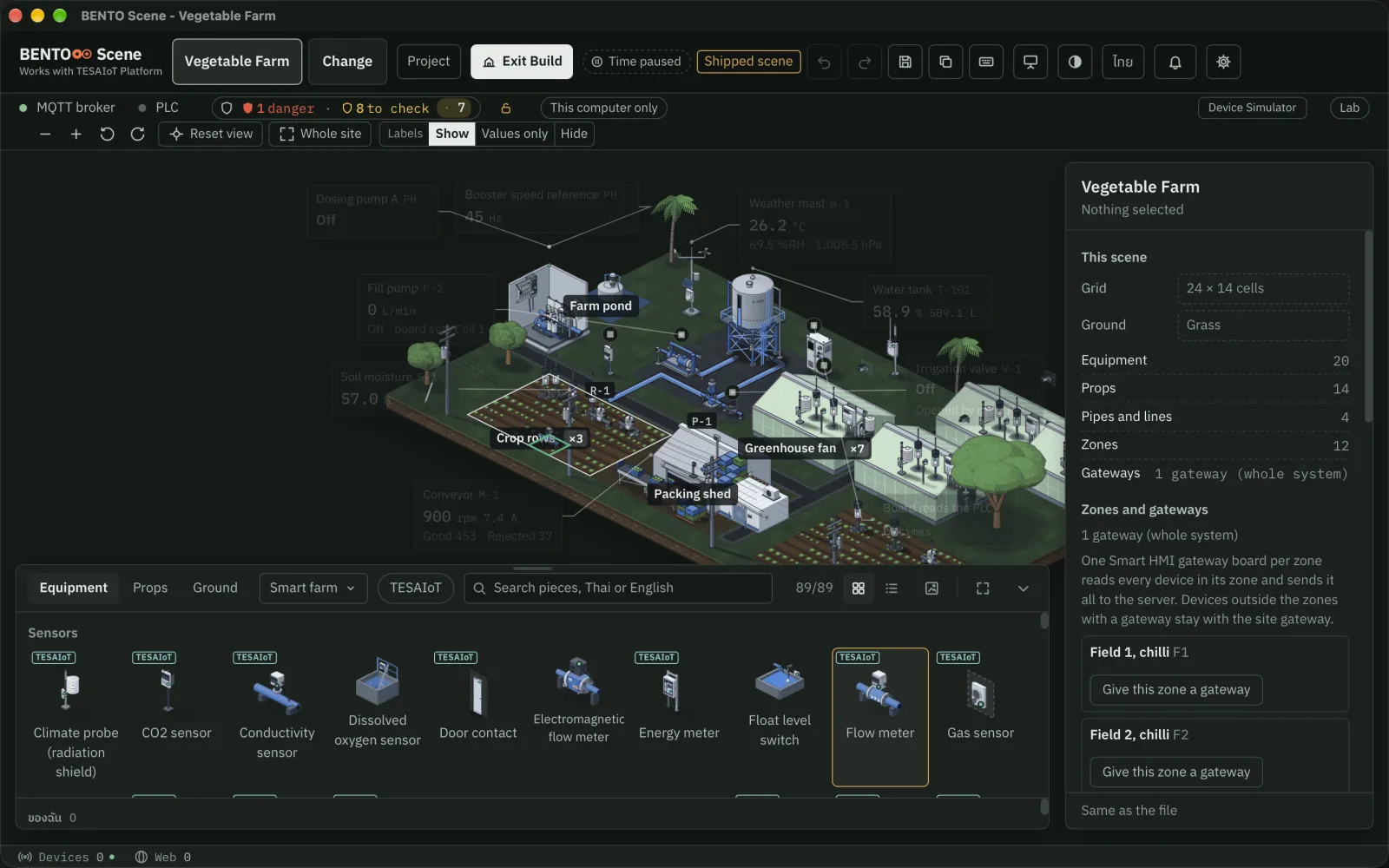
Write the application in the BENTO IDE. Scene sends the values, the application sends commands back, through the MQTT broker that is already inside Scene. Start with the Emulator in the browser, then move the same application to a board.
Boards: the TESAIoT Dev Kit, the PSOC™ Edge E84 Evaluation Kit and the reTerminal, or the Emulator. The PSOC™ Edge E84 HMI Kit can send its Edge AI results.
Simulated Edge AI results arrive beside the sensor values, so an application can react to what a model recognised.
Practise
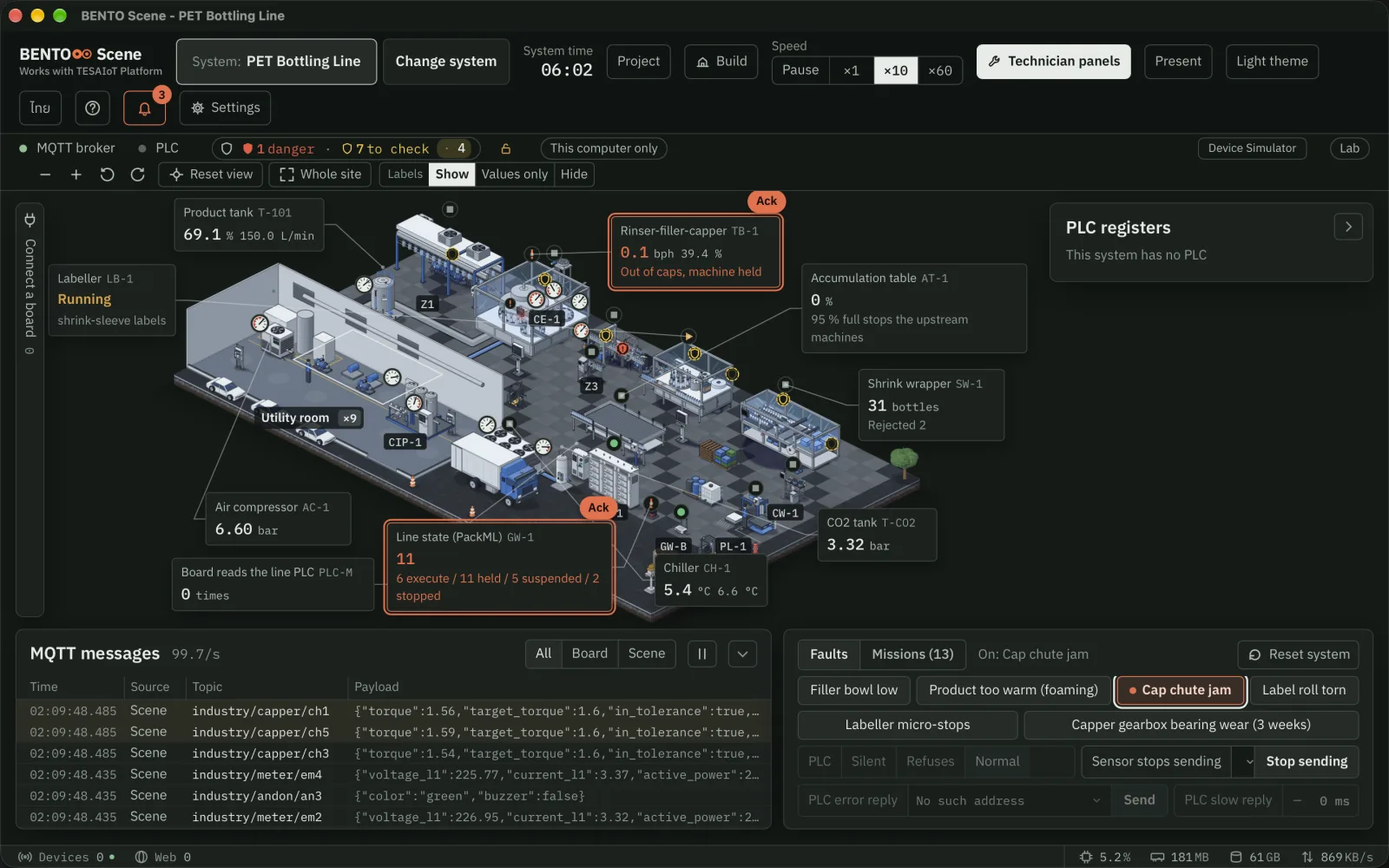
Play the faults you cannot cause on a real site.
Every system has buttons that make something go wrong: a stuck pump, a frozen sensor, a forged command. Press reset and it is back to normal. Missions turn a system into an exercise with a clear pass or fail.
Ask
Ask an AI assistant about your system.
Scene has a built-in assistant connection that runs on your computer. An assistant can read devices, values, history, alarms and Edge AI results, and can draft a device or a whole Scene. A draft waits until a person checks it and accepts it.
Off until the operator switches it on, with a consent window and a journal of what was asked.
The operator decides what leaves the computer.
Grow
Start on one computer. Grow when you are ready.
The same sensors, PLC and boards can be connected in three ways. They differ in where the data is kept and what Scene does.
Scene on your computer
Scene is the local server: design the Scene and connect your own boards. For learning, testing and demonstrations.
TESAIoT Community Edition
Your own server keeps the data longer. Scene reads it as a read-only app. The device side is tested; Scene with the newly released Community Edition is not yet tested.
TESAIoT Enterprise
Device identity, certificates, many sites and many accounts. Scene is a read-only viewer. Result pending: not yet run against the live Platform.
Works with the TESAIoT Platform, Community Edition or Enterprise. Each way is described in the BENTO Scene guide with what has been tested and what is still a plan.
Get BENTO Scene
Coming soon
BENTO Scene runs on macOS. The public download will be announced here. You can already write and try BENTO applications in the browser.
Pictures from BENTO Scene show simulated systems with simulated data.